





How can a meeting use SeatGo to implement QR code check-in and seat query?
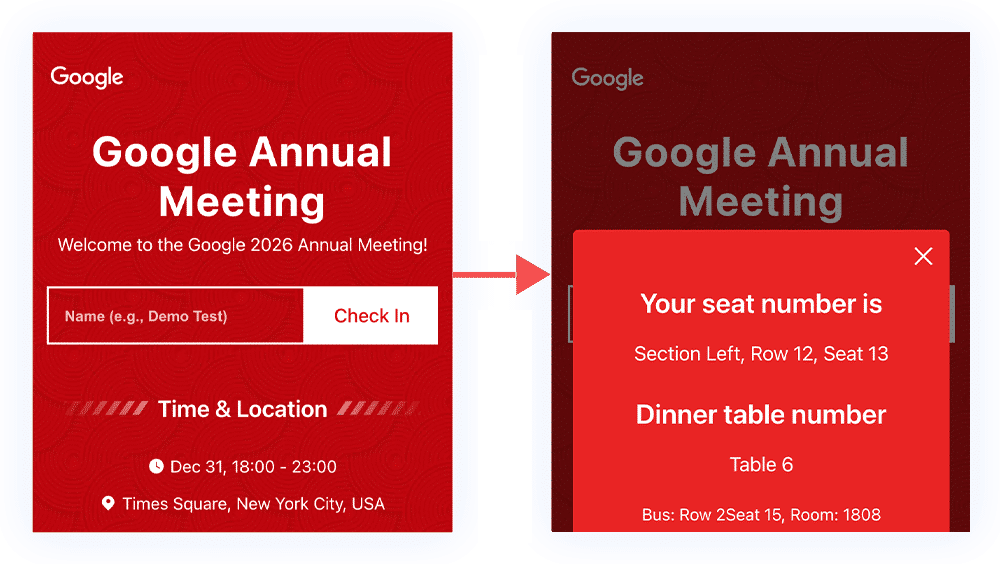
Attendees only need to open their mobile phones, scan the QR code, and they can enter the event invitation interface. They can sign in by entering their names and phone numbers, and at the same time, query seat information and view details such as the event theme, time, location, schedule, and venue layout.
If you want to achieve such a function, just follow the steps below to quickly create a QR code/link for sign - in and seat query for events such as meetings, banquets, and annual gatherings.
1. Register an account and log in to the tool
The operation console only requires the responsible personnel of the event organizer to click on the website, enter the Seatgo background, register an account, and log in to the operation console. Generally, it only takes about 5 minutes to create a QR code for visitor sign - in and seat query.
2. Tutorial on creating and configuring event QR codes
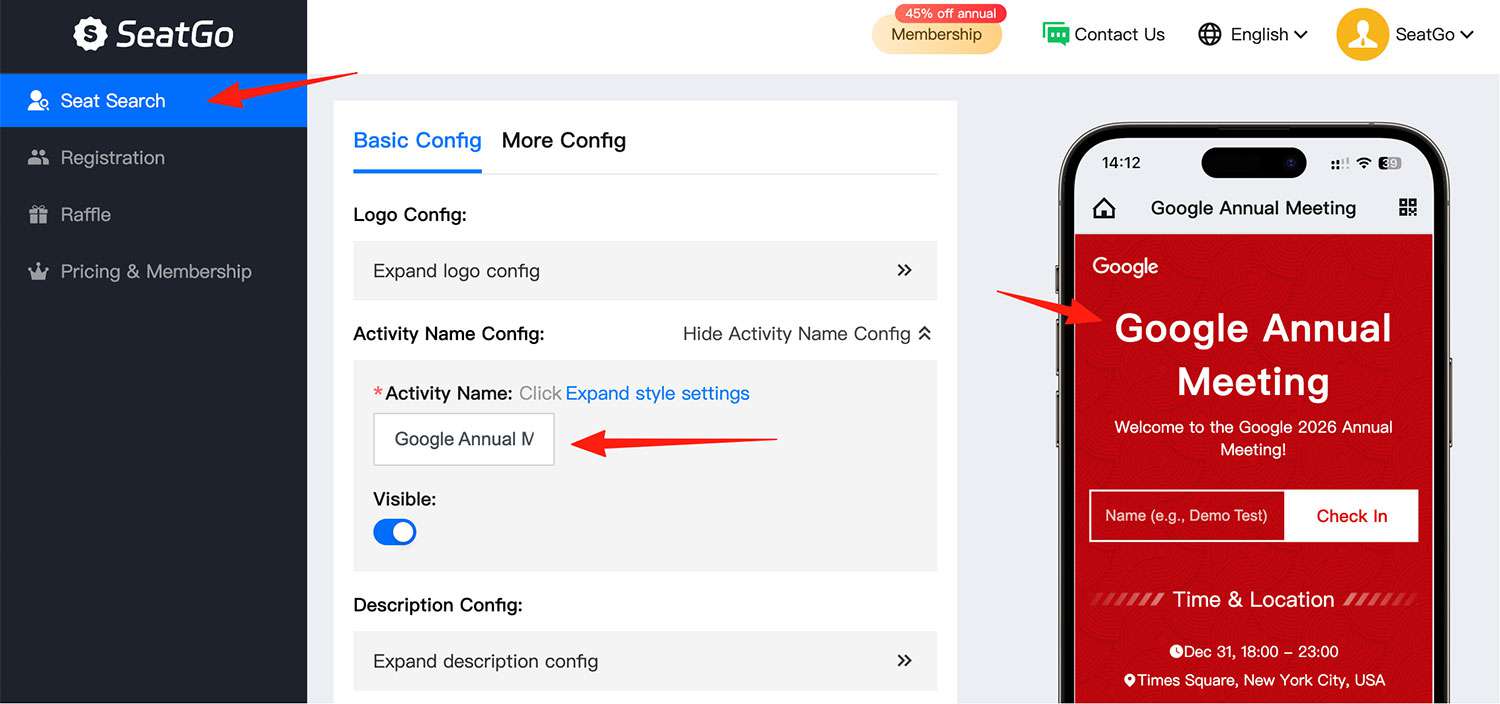
- 1. Enter the main page of the Seatgo operation console and directly click on the "Seat Query" function on the left;
- 2. Click "Create" - enter the event name - select the event type;
- 3. Modify the form configuration and set the copy according to the page prompts;
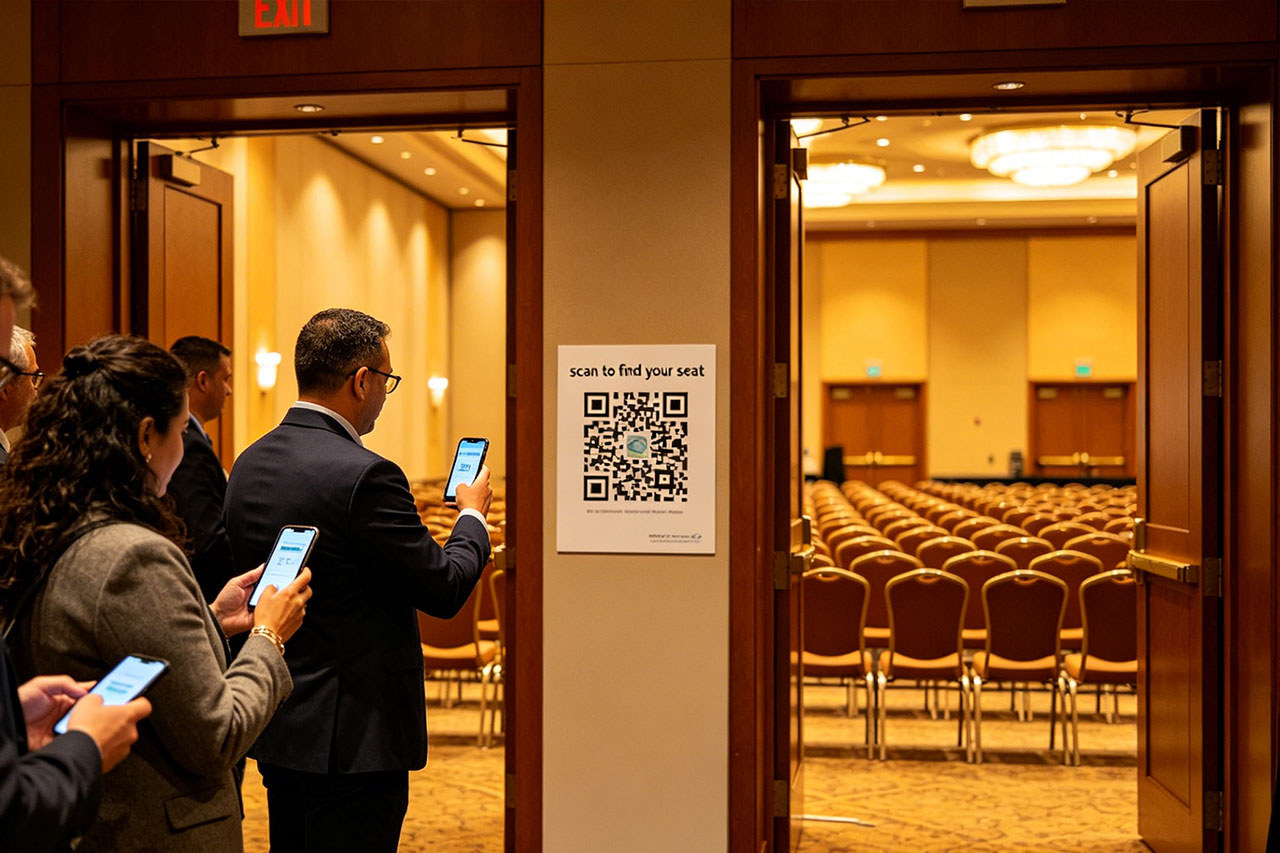
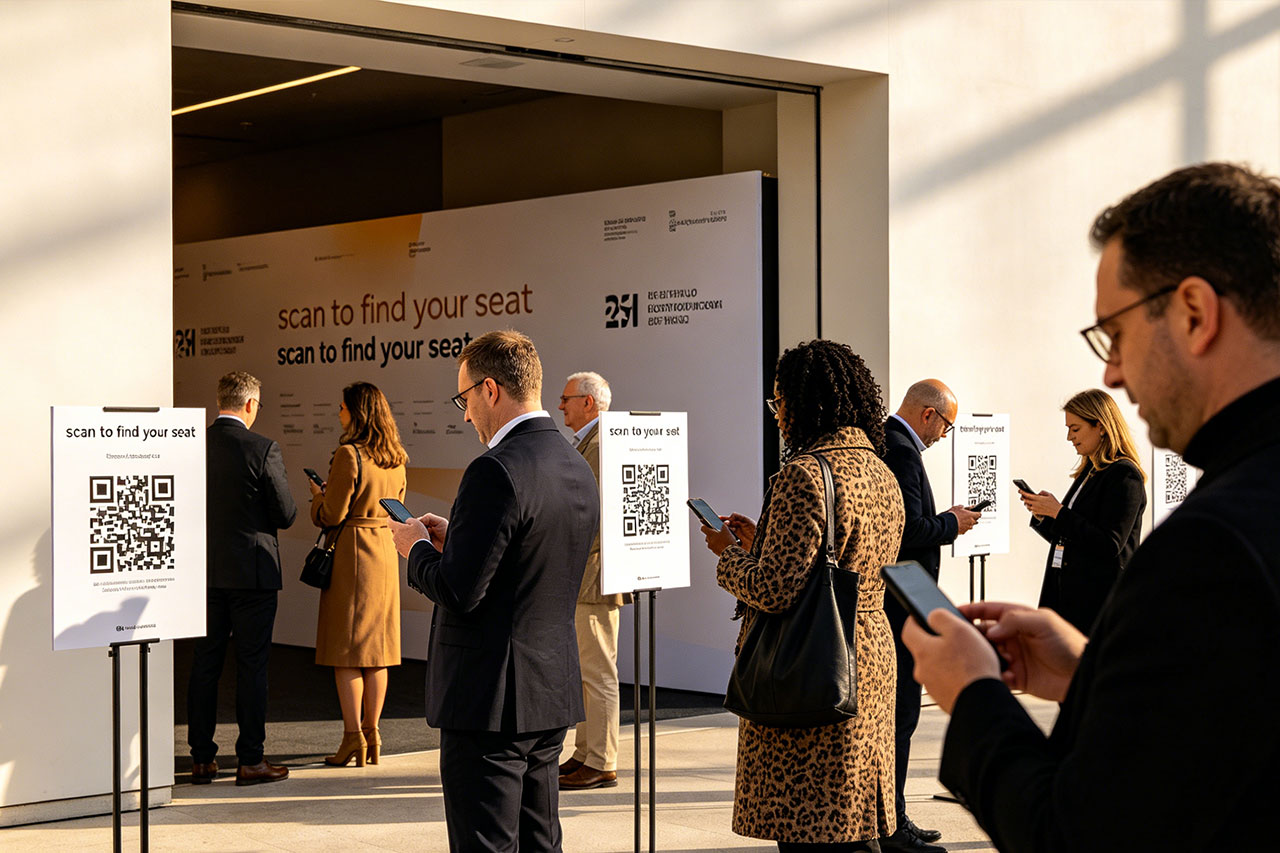
- 5. Obtain the event QR code, make it into a poster, and place it at the venue entrance;
- 6. Batch import the information of attendees in the event details;
- 7. Guests can scan the code to get their seat numbers, table numbers, room numbers, etc. (depending on your event configuration) when attending the meeting;
- 8. After the meeting/event, you can import the information of attendees.
The event QR code is valid permanently. You can reuse this QR code and place the QR code poster at the venue entrance for a long time.
Latest News
Notice
-
 How to use QR codes to create an event seating chart? 2026-04-15
 -
 Wedding Digital Seating Chart,How to Plan Who Should Sit Where 2026-04-15
 -
 How to generate QR codes/links for meeting sign-in/seat query through SeatGo? 2026-04-14
 -
How can a meeting use SeatGo to implement QR code check-in and seat query? 2026-04-14
-
 How to upload seat information of attendees in batches when using SeatGo? 2026-04-13

Related News