





What functions does SeatGo support? How to scan the QR code for sign-in/query seats?
How to efficiently manage seat queries for annual meetings/ conferences? Seatgo is a convenient and practical tool for seat queries and event registration. It supports multiple languages and offers various query methods for seat distribution and arrangement services, allowing you to easily find your seat or table. It is specifically designed for seat arrangement in various meetings and annual meetings. All attendees need to do is scan the QR code and enter their names to find their seat numbers.
### I. Applicable Scenarios
It is suitable for scenarios that require sign - in, seat and table queries, and registration and reservation, such as corporate meetings, annual meetings, banquets, appreciation parties, weddings, feasts, corporate team - building activities, group trips, festival galas, regular meetings, training sessions, production and business meetings, etc. You can make one - click reservations and scan the code to check seats.
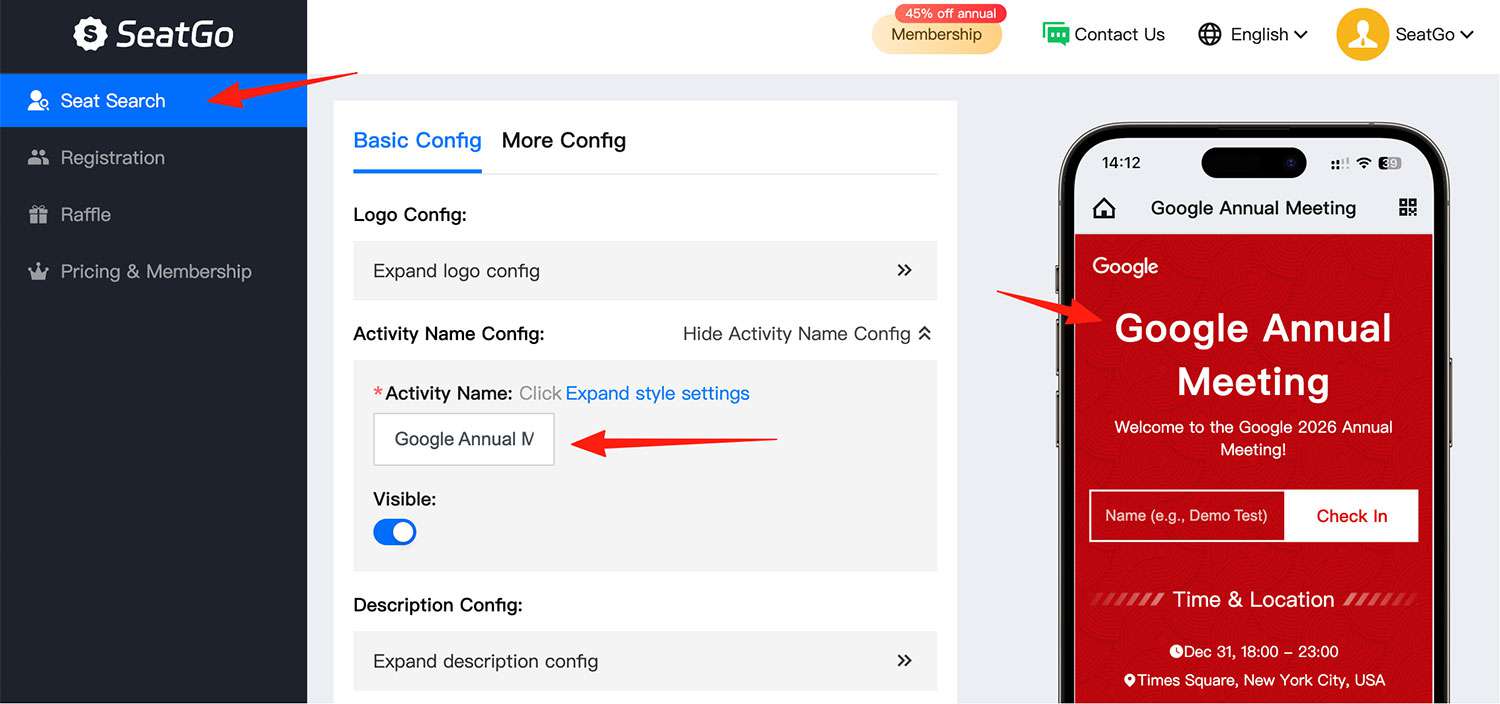
### II. Function List
- Create a sign - in/ seat query invitation page and a theme welcome screen for meetings/ banquets.
- Provide form registration function for annual meetings/ conferences.
- Share events through WeChat mini - programs, QR codes, and H5 links (the links can be placed in official accounts or sent via text messages).
- Query/ sign - in function: Enter your name or employee number to sign in/ query seat numbers, dining seats, bus numbers and other items.
- Add meeting agendas, venue layout maps, and provide address navigation function.
- Support large - screen lucky draws.
Latest News
Notice
-
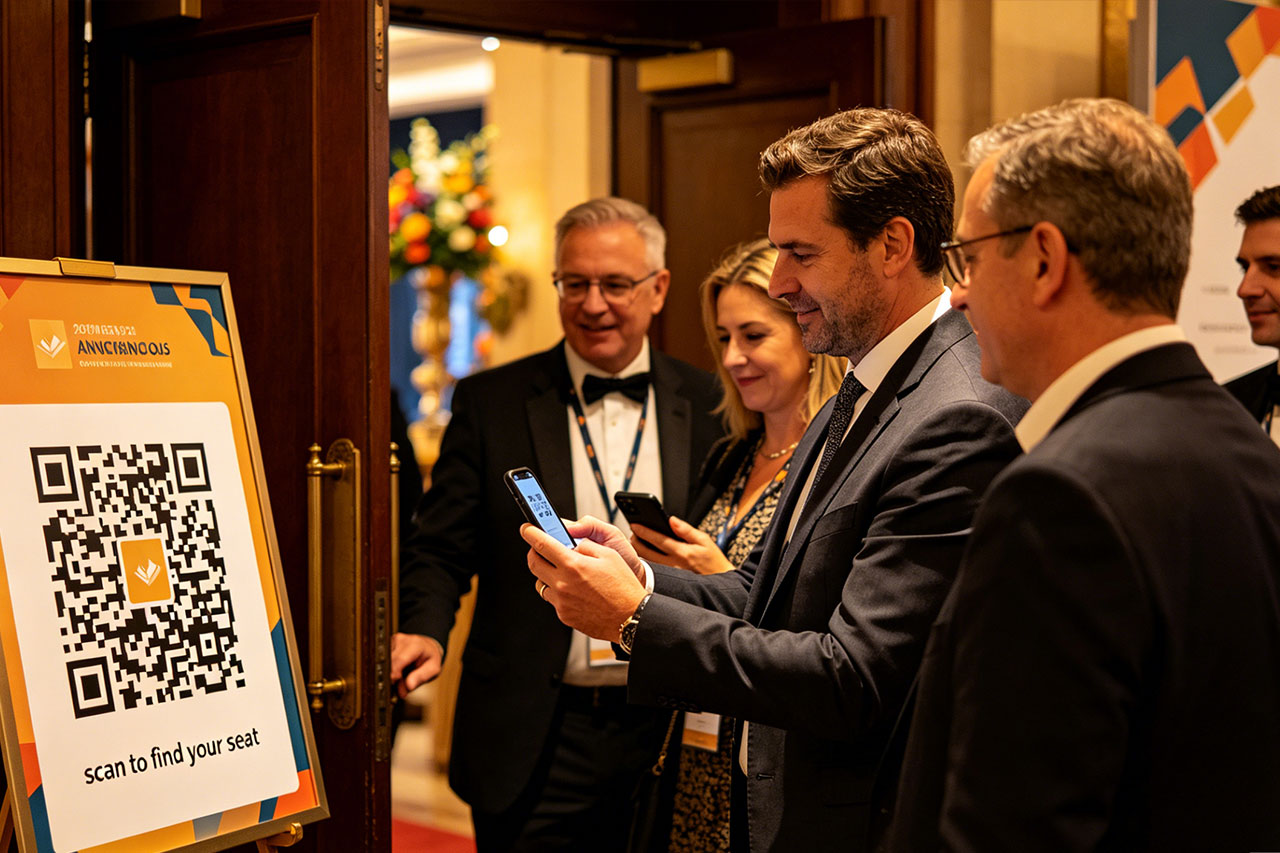 How to use QR codes to create an event seating chart? 2026-04-15
 -
 Wedding Digital Seating Chart,How to Plan Who Should Sit Where 2026-04-15
 -
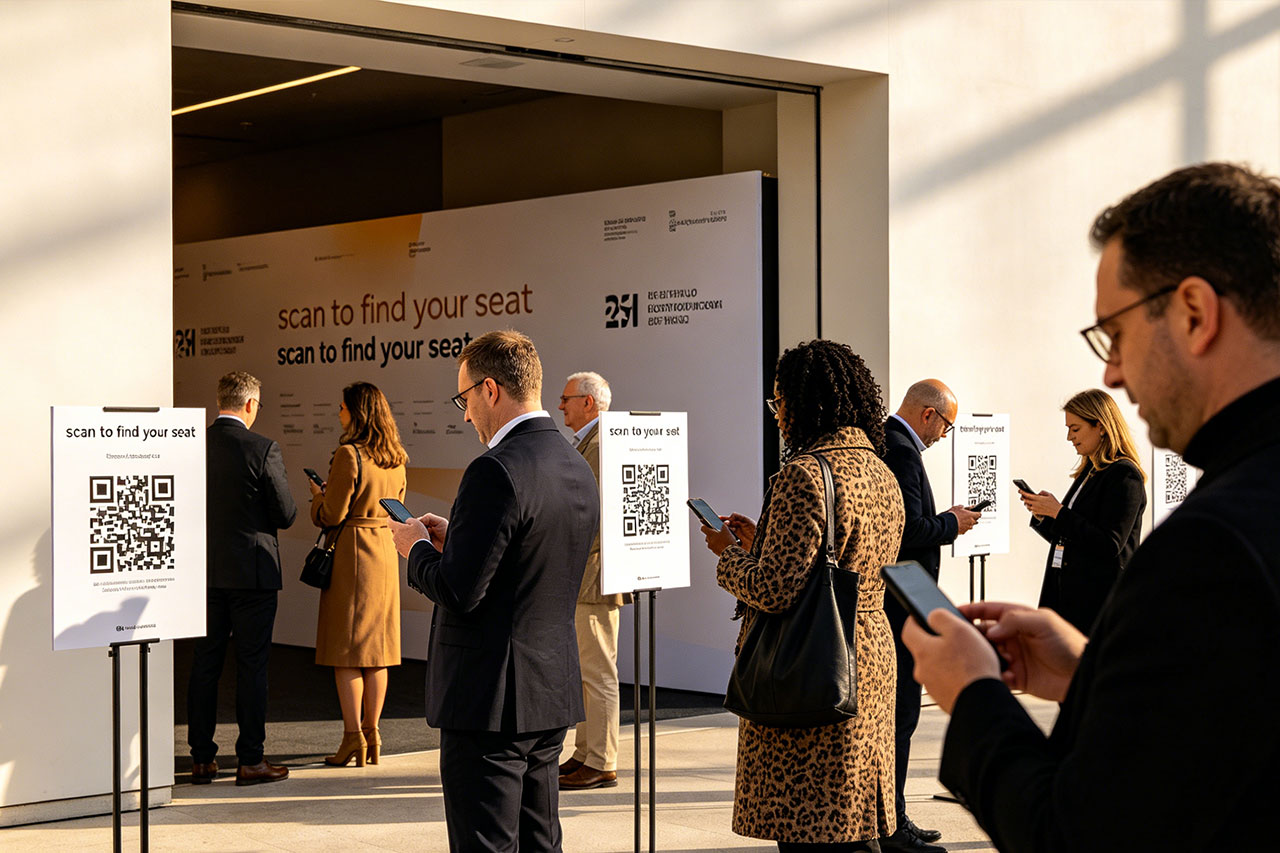 How to generate QR codes/links for meeting sign-in/seat query through SeatGo? 2026-04-14
 -
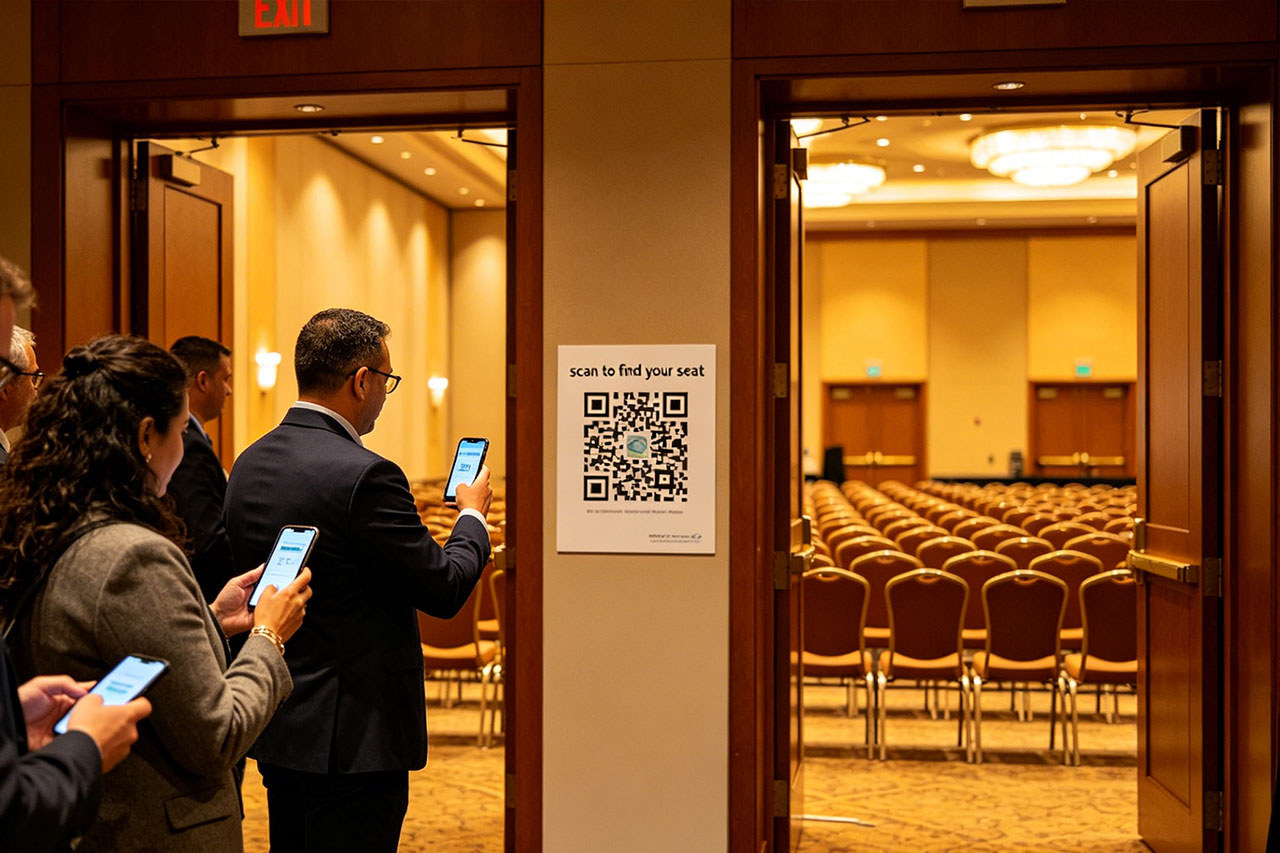 How can a meeting use SeatGo to implement QR code check-in and seat query? 2026-04-14
 -
 How to upload seat information of attendees in batches when using SeatGo? 2026-04-13

Related News