





How to use the seatgo function to scan the QR code for sign-in and query seats?
SeatGO •
2026-04-14
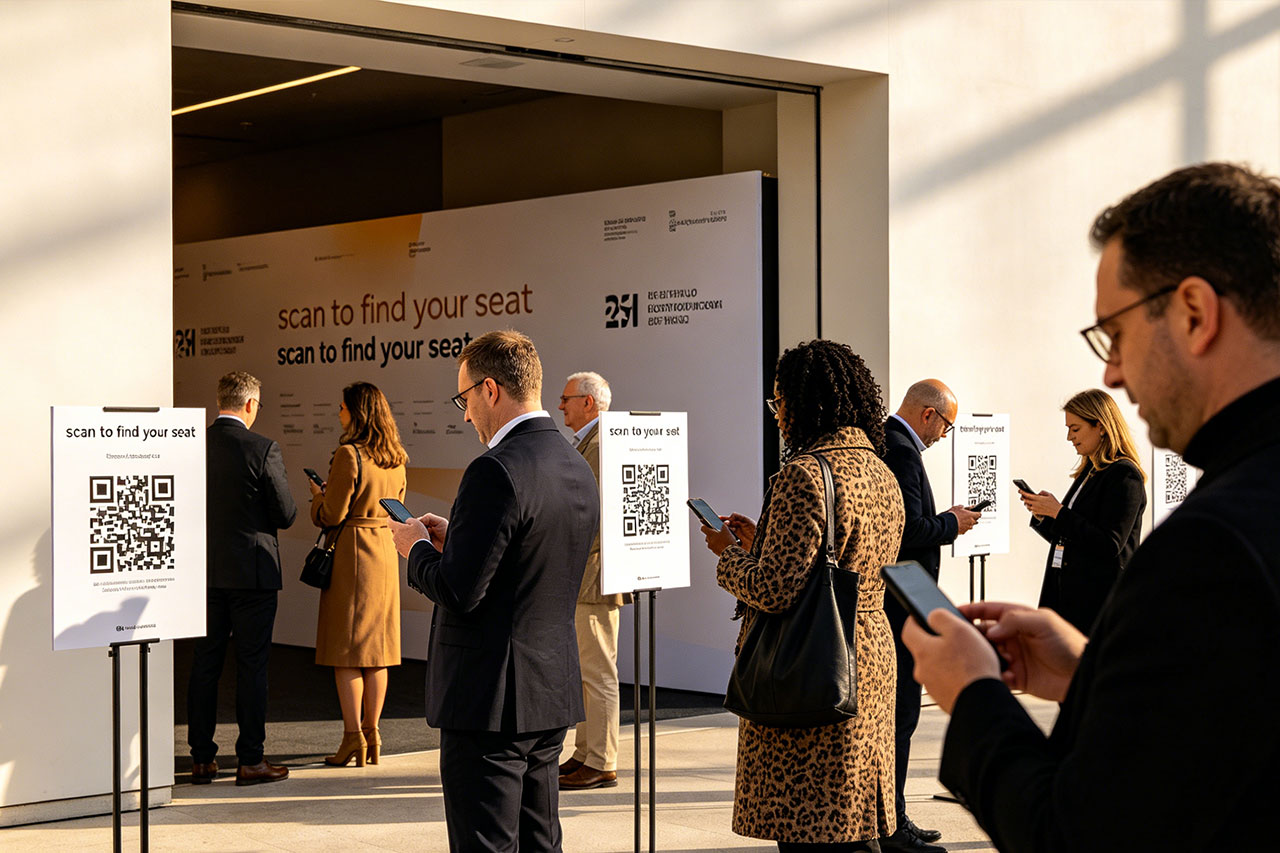
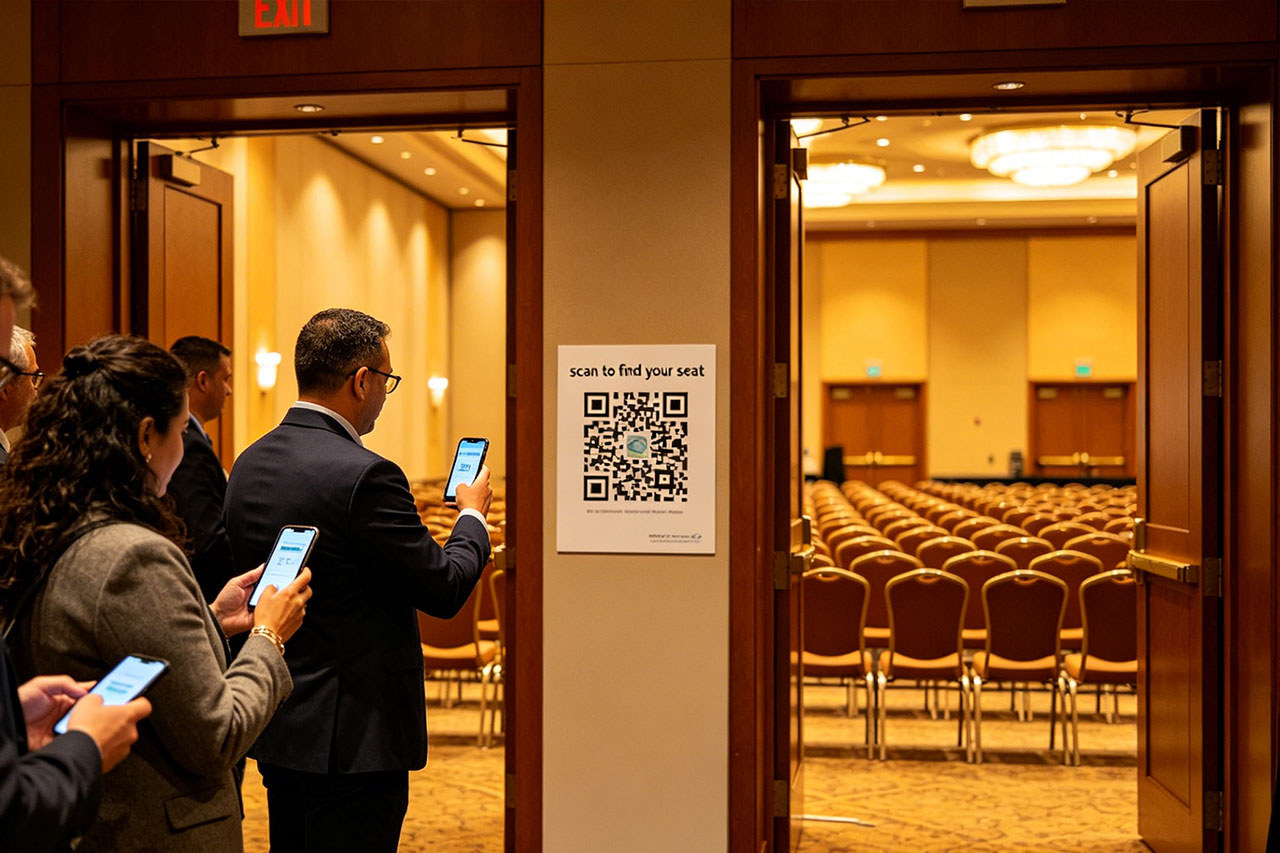
Participants only need to open WeChat and scan the QR code to enter the event invitation interface. They can sign in by entering their names/phone numbers, and at the same time, query seat information and view information such as the event theme, time, location, schedule, and venue layout.
If you want to implement such a function, just follow the following steps to quickly create a QR code and link for event sign-in and seat query for conferences, banquets, annual meetings, and other events.
I. Register an account and log in to enter the tool operation console
- Only the responsible personnel of the event organizer need to click on the website, enter the background to register an account, and log in to enter the operation console;
- If the interface prompts an error such as an incorrect parameter, please try switching the network or browser and try again;
II. Create an event - that is, configure the event page
- 1. Enter the main page of the operation console and directly click the "Create Sign-in and Seat Query Event" button. The banquet version has a simple page, while the conference version has rich functions. Most events can choose the conference version to create;
- 2. Then enter the event configuration page. The following figure is an example of the conference version. Fill in the event theme, description, and other content according to the prompts;
- The entire page can be customized. If you don't need a certain section, you can directly click "Modify Display Style" to set it to be hidden;
- After the configuration is completed, click the "Update Event" button at the bottom of the page, and it will automatically jump to the "Event Details" page;
- It includes three functional modules: obtaining the event link (getting the QR code), managing event members (batch importing personnel seat information), and basic event configuration;
III. Upload seat information
- Select the "Event Member Management" function;
- Click "Batch Import", and the template download button and upload entry will automatically pop up;
- After completing the above steps, you can save the QR code and link for use.
- The QR code remains unchanged. You can update the event/modify the personnel seat information at any time without changing the code.
Latest News
Notice
-
 How to use QR codes to create an event seating chart? 2026-04-15
 -
 Wedding Digital Seating Chart,How to Plan Who Should Sit Where 2026-04-15
 -
 How to generate QR codes/links for meeting sign-in/seat query through SeatGo? 2026-04-14
 -
 How can a meeting use SeatGo to implement QR code check-in and seat query? 2026-04-14
 -
 How to upload seat information of attendees in batches when using SeatGo? 2026-04-13

Related News